
 Post by
If you’ve ever found yourself rushing to upload a TikTok video at the “perfect time,” you’re not alone.
Between brainstorming ideas, recording, editing, writing captions, and keeping up with trends, posting consistently on TikTok can quickly become overwhelming. Missing your ideal publishing window by even a few hours could mean lower engagement, fewer views, and less visibility on the For You Page.
That’s where a TikTok schedule post strategy makes all the difference.
Instead of scrambling to publish content manually every day, scheduling lets you prepare your videos in advance and have them go live automatically at your chosen time. Whether you’re a creator trying to grow your audience, a business managing product launches, or a social media manager handling multiple accounts, scheduling helps you stay consistent without constantly being online.
The best part? TikTok now offers built-in scheduling through its desktop platform, while several third-party tools provide even greater flexibility, allowing you to plan content weeks or even months ahead.
In this guide, you’ll learn everything you need to know about setting up a TikTok schedule post in 2026. We’ll cover native scheduling, mobile and desktop methods, the best scheduling tools, common limitations, and proven strategies to maximize your reach.
Listen to the podcast now!
What Is a TikTok Schedule Post?
A TikTok schedule post is a video that you prepare in advance and set to publish automatically at a specific date and time instead of posting it manually.
Think of it as putting your content on autopilot.
Rather than stopping what you’re doing every time you want to upload a video, you can batch-create several TikToks in one sitting, schedule them, and let TikTok—or a scheduling tool—publish them automatically.
For example, imagine you’ve created five videos over the weekend. Instead of uploading one every day manually, you can schedule each video throughout the week, ensuring your audience receives fresh content consistently.
Scheduling isn’t just about convenience—it plays a major role in maintaining a consistent posting frequency, which TikTok’s algorithm generally favors.
Why More Creators Are Scheduling TikTok Content
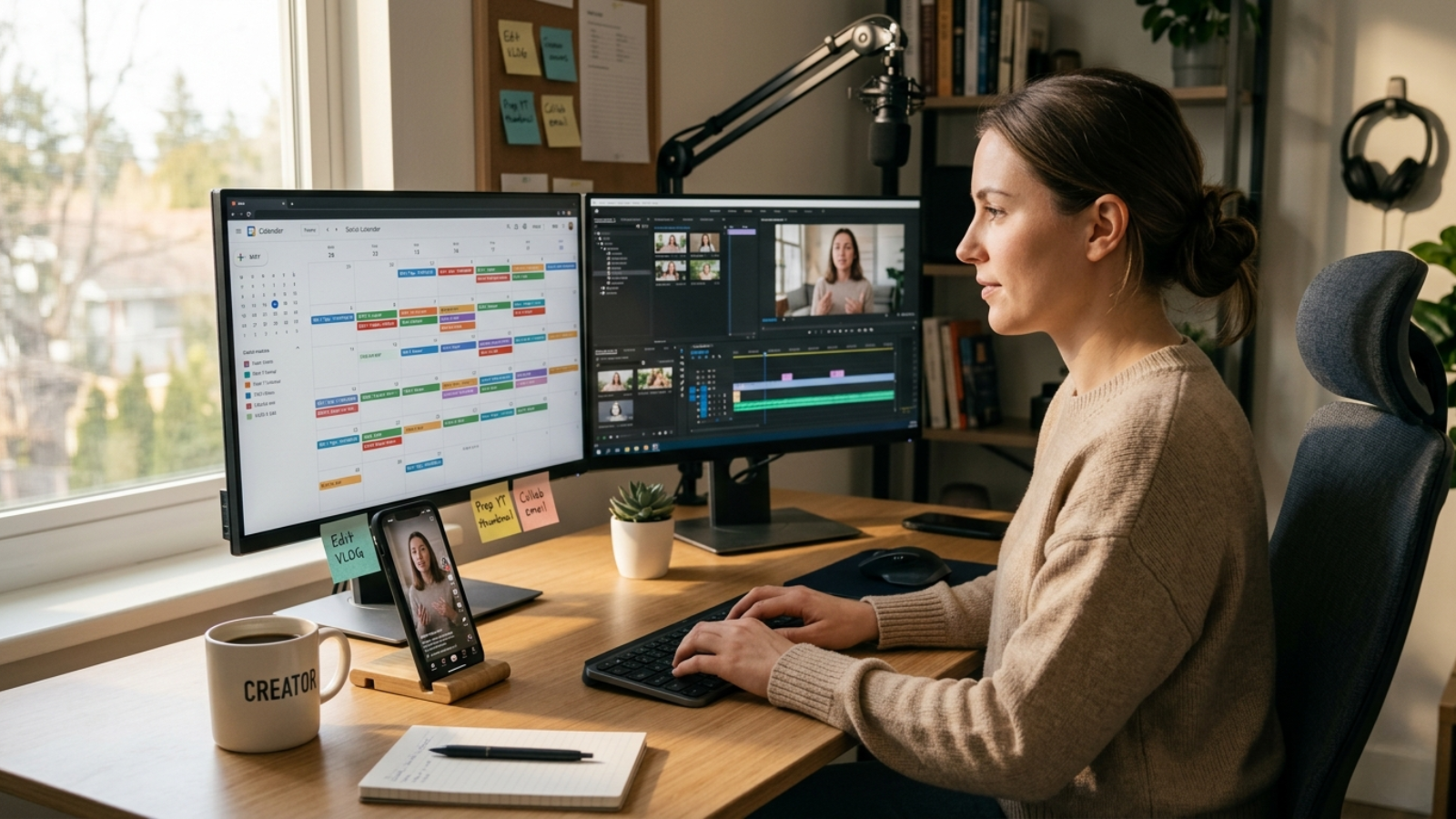
The biggest challenge for most creators isn’t creating great videos—it’s staying consistent.
Life gets busy. Meetings run late. Travel happens. Sometimes inspiration strikes on the weekend, but your audience is most active on Wednesday afternoon.
Scheduling bridges that gap.
Some of the biggest benefits include:
- Stay Consistent
Consistency is one of the strongest indicators of long-term TikTok growth.
Instead of posting whenever you remember, scheduled content helps you maintain a predictable publishing rhythm that keeps your audience engaged.
- Publish at Peak Engagement Times
Your followers aren’t online 24/7.
Scheduling allows you to publish when your audience is most active—even if you’re asleep, working, or in a different time zone.
- Save Hours Every Week
Content batching is one of the most effective productivity hacks for creators.
Record multiple videos, edit them together, write captions once, and schedule everything in a single session instead of repeating the same workflow daily.
- Better Campaign Planning
Businesses often coordinate TikTok content with product launches, promotional offers, influencer collaborations, or seasonal campaigns.
Scheduling ensures every post goes live exactly when planned.
- Reduce Last-Minute Mistakes
Rushed uploads often lead to forgotten hashtags, incorrect captions, poor thumbnails, or missing calls-to-action.
Preparing everything in advance gives you more time to review your content before it goes live.
Who Can Schedule TikTok Posts?
Before learning how do you schedule a post on TikTok, it’s important to know whether your account is eligible.
TikTok currently supports native scheduling only for:
- Creator Accounts
- Business Accounts
If you’re using a Personal Account, you won’t see the scheduling option.
Fortunately, switching is free and only takes a minute.
Simply open:
Profile → Settings and Privacy → Account → Switch to Business Account (or Creator Account)
Once enabled, you’ll gain access to several additional features beyond scheduling, including analytics, creator tools, audience insights, and promotional options.
How to Set Up a TikTok Schedule Post on Desktop
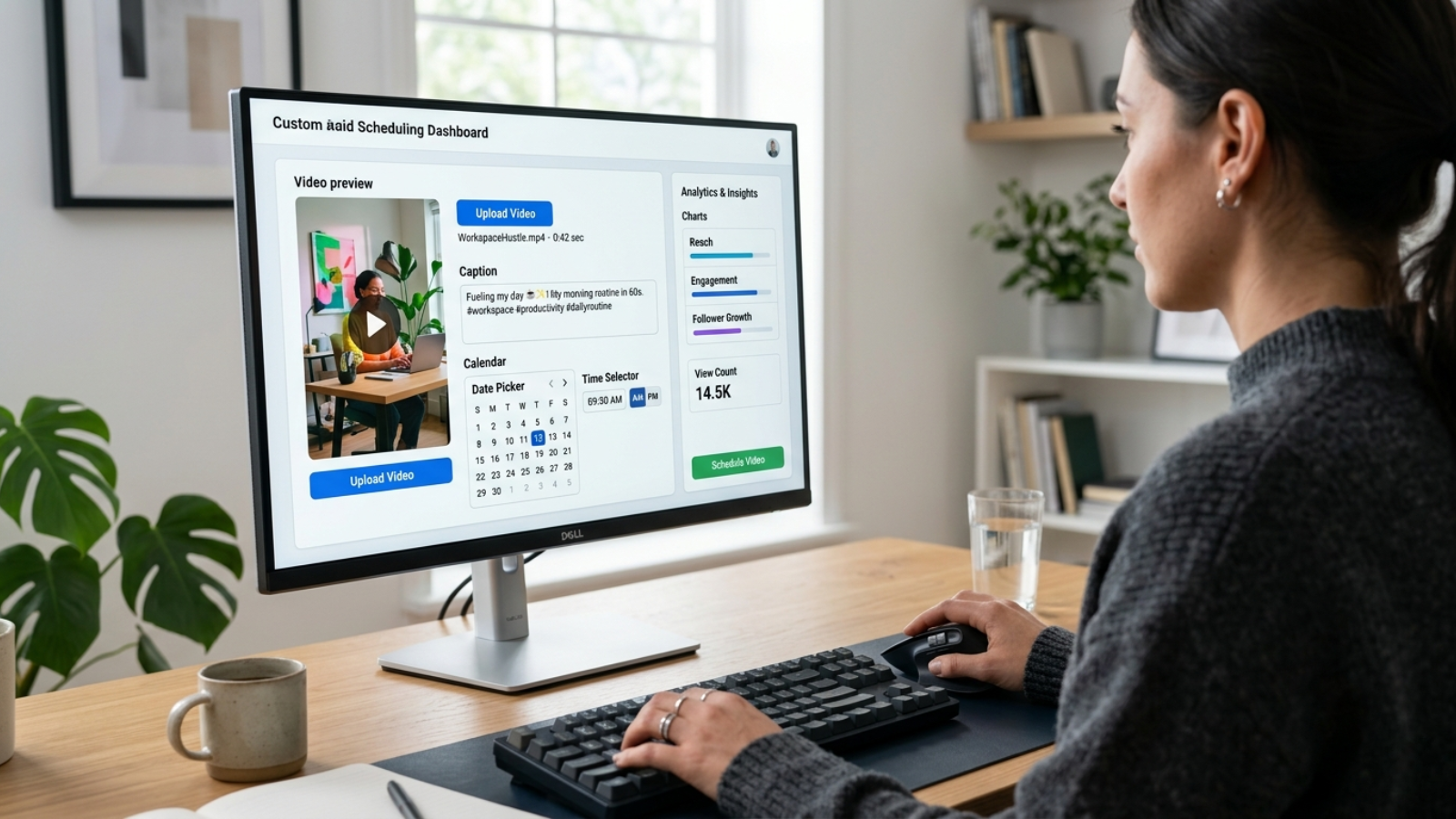
If you’re wondering how to schedule TikTok post natively, the desktop version is currently the easiest method.
TikTok’s built-in scheduler allows eligible accounts to upload videos and automatically publish them later without requiring additional software.
Here’s the complete process.
Step 1: Open TikTok on Your Desktop
Visit TikTok from your preferred web browser and log in using your Creator or Business account.
From the homepage, click the Upload button.
This opens TikTok’s publishing dashboard.
Step 2: Upload Your Video
Select the video you want to publish.
Before uploading, ensure your content follows TikTok’s recommended specifications:
- Vertical format (9:16)
- High-resolution video
- Clear audio
- Strong opening hook within the first three seconds
High-quality videos generally perform better because they create a stronger first impression.
Step 3: Write an Engaging Caption
Once your video uploads, you’ll be able to customize several elements.
This includes:
- Caption
- Hashtags
- Mentions
- Cover image
- Audience visibility
- Comment permissions
- Duets
- Stitch settings
Don’t overload your caption with hashtags.
Instead, combine one or two trending hashtags with niche-specific keywords that describe your content naturally.
Step 4: Turn On Scheduling
Scroll down until you find the publishing settings.
Enable the Schedule option.
You’ll now be able to choose both:
- Publishing date
- Publishing time
After selecting your preferred schedule, click Schedule.
That’s it.
TikTok will automatically publish your video at the selected time without requiring any additional action.
Pro Tip: Double-check every detail before scheduling. With TikTok’s native scheduler, editing a scheduled post is often limited, meaning you may need to delete and recreate it if you want to make changes later.
Read More:
How to Use TikTok Automation Without Risks?
How to Use TikTok Automation Without Risks?
Are There Any Limitations to Native TikTok Scheduling?
While TikTok’s built-in scheduler is incredibly convenient, it’s not perfect.
Understanding its limitations helps you decide whether native scheduling is enough or if you should consider a third-party platform.
Here are the biggest drawbacks:
1. Desktop Only
The standard TikTok app still doesn’t support native scheduling.
If you primarily create content using your smartphone, you’ll need either TikTok Studio or a third-party scheduling platform.
2. Scheduling Window
TikTok currently limits how far into the future you can schedule posts.
For brands planning campaigns several months ahead, this restriction can become inconvenient.
3. Limited Workflow Features
Native scheduling focuses solely on publishing.
It doesn’t include advanced collaboration tools like:
- Shared content calendars
- Team approvals
- Campaign management
- Cross-platform publishing
- Bulk scheduling
These features become increasingly valuable as your content strategy grows.
Can You Schedule TikTok Posts on Mobile?
One of the most common questions creators ask is, “How do you schedule a post on TikTok from your phone?”
The answer is yes, but not directly from the standard TikTok app.
While TikTok has significantly expanded its creator tools over the years, the primary mobile app still doesn’t include a built-in scheduling option. If you’re uploading content directly through TikTok, you’ll only be able to publish it immediately.
Fortunately, there are two reliable ways to schedule content from your mobile device:
- Use the TikTok Studio app.
- Use a third-party TikTok scheduling platform.
Let’s look at both methods.
How to Set Up a TikTok Schedule Post Using TikTok Studio
TikTok Studio is TikTok’s dedicated creator management app designed to help users organize, analyze, and publish content more efficiently.
If you prefer managing everything from your smartphone, this is the closest experience to TikTok’s native desktop scheduler.
Step 1: Download TikTok Studio
Install the TikTok Studio app from your device’s app store and sign in using the same Creator or Business account you use on TikTok.
If you’re still using a Personal account, switch to a Creator or Business account first to unlock scheduling features.
Step 2: Upload Your Video
Tap the Upload button and select the video you want to publish.
Before moving ahead, review your content carefully.
Ask yourself:
- Is the opening strong enough to stop viewers from scrolling?
- Does the video immediately explain what viewers will gain?
- Is the pacing engaging from beginning to end?
Small improvements at this stage can make a noticeable difference in your video’s performance.
Step 3: Add Your Caption
Write a caption that complements your video instead of simply describing it.
A good TikTok caption often includes:
- A compelling hook
- Relevant keywords
- A few targeted hashtags
- A simple call-to-action encouraging viewers to comment or share
Avoid stuffing your caption with hashtags. A handful of relevant ones generally works better than adding every trending tag available.
Step 4: Choose Your Schedule
Enable the Schedule Post option.
Select your preferred publishing date and time.
Review everything one final time before confirming.
Once scheduled, TikTok Studio will automatically publish your content without requiring you to return to the app.
How to Schedule TikTok Posts Using Third-Party Tools
If you’re serious about content marketing, native scheduling will eventually start feeling restrictive.
Professional creators, agencies, and brands often rely on dedicated scheduling platforms because they offer far more control over content planning.
Instead of scheduling one video at a time, these tools help you manage an entire publishing calendar.
Most third-party platforms follow a similar workflow.
Step 1: Connect Your TikTok Account
After creating an account with your preferred scheduling platform, connect your TikTok Business or Creator profile.
Most platforms only require authorization once.
Step 2: Upload Your Content
Add your videos just as you would inside TikTok.
Many platforms also allow you to upload multiple videos simultaneously, making batch scheduling much faster.
Step 3: Optimize Your Post
Complete your post by adding:
- Caption
- Hashtags
- Mentions
- Cover image
- Privacy settings
Some platforms even provide AI-assisted caption suggestions and hashtag recommendations.
Step 4: Choose Your Publishing Time
Select your preferred date and time.
Some scheduling tools go one step further by recommending the best publishing time based on your audience’s activity instead of making you guess.
Once confirmed, your content is added to your publishing calendar.
Why Many Brands Use Third-Party TikTok Scheduling Tools
Native scheduling works well for occasional creators.
However, businesses handling multiple campaigns often require much more flexibility.
Here’s why many marketers prefer dedicated scheduling platforms.
Plan Weeks or Months Ahead
Instead of planning content one week at a time, you can build an entire quarterly content calendar in advance.
This is especially useful for:
- Product launches
- Seasonal promotions
- Marketing campaigns
- Educational content series
Manage Multiple Social Platforms
Most businesses don’t publish only on TikTok.
A scheduling platform allows you to publish the same campaign across multiple social networks from one dashboard, reducing repetitive work.
Maintain a Visual Content Calendar
Rather than viewing posts as individual uploads, you can see your entire month’s publishing schedule at a glance.
This makes it much easier to identify content gaps and maintain a balanced posting frequency.
Collaborate With Your Team
For agencies and marketing teams, collaboration features are invaluable.
Many scheduling tools support:
- Approval workflows
- Shared workspaces
- Role-based permissions
- Internal comments
- Draft reviews
This keeps everyone aligned before content goes live.
While scheduling tools help you publish content consistently, they don’t guarantee your videos will reach enough people. Posting at the right time is only one part of TikTok success—the real challenge is testing what works, expanding your reach, and scaling winning content. That’s where Social Reel Farm comes in. Instead of simply automating your posts, it helps brands distribute, validate, and scale short-form content across TikTok and Instagram through a structured, data-driven approach.
Go Beyond Scheduling with Social Reel Farm
Publishing consistently is only one part of growing on TikTok. Once your videos are live, the next challenge is helping them gain enough early traction to discover what actually resonates with viewers.
This is where Social Reel Farm takes things a step further.
Unlike traditional scheduling tools that simply automate publishing, Social Reel Farm combines content creation with a structured distribution system designed to help brands test, validate, and scale short-form videos across both TikTok and Instagram.
Why Choose Social Reel Farm?
🎯 Multi-Account Content Distribution
Instead of relying on a single TikTok profile, your content is distributed through a network of over 1,000 real, manually managed accounts, giving your videos more opportunities to reach relevant audiences.
📱 Real Devices. Real People. No Bots.
Every account operates on a dedicated physical device and is managed by an in-house team—not automation software or fake engagement networks.
🎥 Done-for-You Content Creation
Need content as well as distribution? Social Reel Farm produces high-performing short-form videos including:
- UGC Reels
- AI Avatar Videos
- Talking-Head Videos
- Product Demos
- B-Roll Content
- Testimonials
- TikToks & Instagram Reels
🧪 Test Before You Scale
Rather than hoping a video goes viral, the platform first validates performance by measuring key signals such as watch time, engagement, retention, shares, and comments. Only proven formats are scaled further.
📊 Data-Driven Optimization
Every campaign is refined using real performance insights, allowing brands to improve hooks, pacing, captions, and CTAs before investing more heavily in distribution.
🚀 Built for Businesses That Want Predictable Growth
Whether you’re running a SaaS company, mobile app, eCommerce brand, agency, or performance marketing team, Social Reel Farm helps transform short-form video into a repeatable growth channel instead of relying on one-off viral moments.
Turn Consistent Posting into Consistent Growth
Scheduling ensures your content goes live on time, but distribution determines how far it travels. If you’re looking to move beyond simply publishing videos and want a proven system for testing, optimizing, and scaling short-form content, Social Reel Farm offers an end-to-end solution built around real people, real devices, and measurable performance.
Ready to grow beyond scheduling? Explore Social Reel Farm and discover how a structured distribution network can help your TikTok and Instagram content reach more people and generate more consistent results.
Best Practices for TikTok Scheduling in 2026
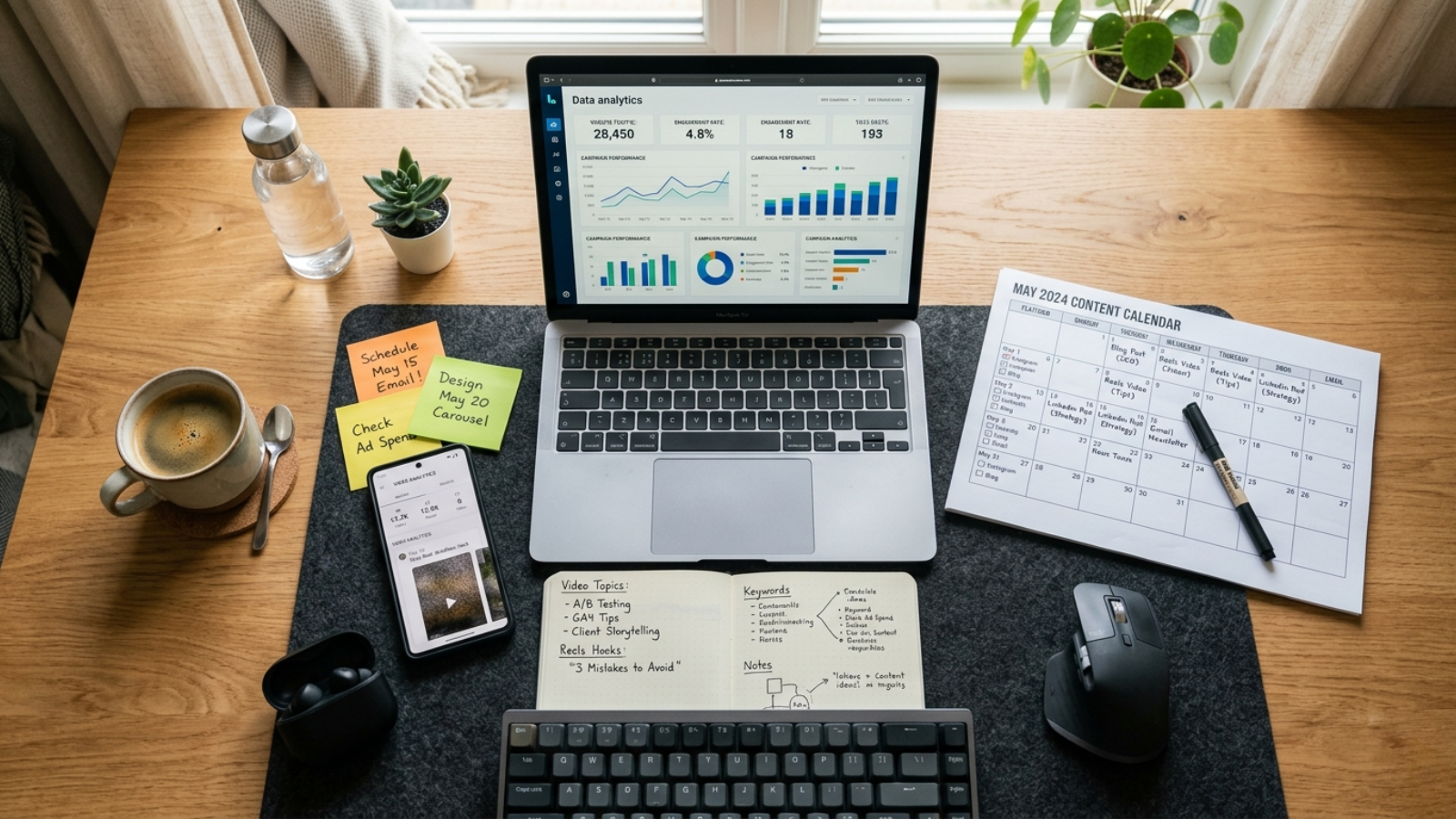
Scheduling your videos is only half the equation.
The real goal is scheduling content that actually performs well.
Here are several proven strategies to improve your results.
1. Post Consistently Instead of Posting Constantly
Many creators believe success comes from uploading multiple videos every day.
In reality, consistency matters more than volume.
Publishing three to five high-quality videos every week often delivers better long-term results than uploading several rushed videos daily.
A consistent posting schedule also trains your audience to expect fresh content regularly.
2. Use Analytics to Find Your Best Posting Time
Every audience behaves differently.
Instead of copying someone else’s posting schedule, study your own analytics.
Look for patterns such as:
- Days with the highest reach
- Hours with the strongest engagement
- Videos that gained traction quickly
Your best posting time should be based on your audience—not generic internet advice.
3. Batch Create Your Content
Creating videos one at a time is exhausting.
A much smarter workflow is to dedicate one day each week to content production.
For example:
- Monday: Record videos
- Tuesday: Edit everything
- Wednesday: Write captions
- Thursday: Schedule all content
This approach reduces stress and helps maintain a steady publishing rhythm.
4. Leave Room for Trends
While scheduling provides consistency, TikTok thrives on trends.
Avoid filling your calendar so completely that you have no space for trending challenges, viral sounds, or industry news.
Think of scheduled content as your foundation, while trend-based content keeps your profile relevant.
A healthy balance between evergreen and trending content usually delivers the best results.
Common TikTok Scheduling Mistakes to Avoid
Even experienced creators make mistakes when scheduling content.
Here are some of the most common ones.
Posting Without a Strategy
Scheduling random videos doesn’t automatically produce better results.
Every post should support a larger content plan.
Ignoring Analytics
Your audience’s behavior changes over time.
Continue reviewing your performance and adjust your schedule accordingly.
Forgetting to Engage
Scheduling saves time—but engagement still matters.
Try to respond to comments soon after your video goes live.
Early interactions often encourage additional engagement.
Scheduling Too Far Ahead Without Reviewing
Content that seemed timely a month ago might feel outdated today.
Review scheduled videos periodically to ensure they’re still relevant.
Prioritizing Quantity Over Quality
Uploading frequently won’t compensate for weak content.
One outstanding TikTok can outperform dozens of average videos.
Focus on delivering value first.
Final Thoughts
Building a successful TikTok presence isn’t about being online every hour of the day—it’s about being consistent.
A well-planned TikTok schedule post strategy allows you to create content when inspiration strikes and publish it when your audience is most likely to engage. Instead of scrambling to upload videos at the last minute, you can batch-create content, organize your calendar, and maintain a steady posting rhythm that supports long-term growth.
Whether you choose TikTok’s native scheduler for simple publishing or a third-party platform for advanced planning, the key is to develop a workflow that fits your goals. Pair consistent scheduling with high-quality videos, engaging captions, timely trend participation, and regular interaction with your audience, and you’ll be well-positioned to grow your reach in 2026.
Remember, TikTok scheduling isn’t just about convenience—it’s about creating a sustainable content strategy that frees up more time for creativity while ensuring your audience always has something fresh to watch.
The sooner you start planning ahead, the easier it becomes to stay consistent, build momentum, and turn every TikTok schedule post into an opportunity to reach a wider audience.
Frequently Asked Questions
1. How do you schedule a post on TikTok?
You can schedule a TikTok post using TikTok’s native scheduling feature on desktop or through the TikTok Studio app if you’re on mobile. Simply upload your video, write your caption, choose a publishing date and time, and confirm the schedule. If you need more flexibility, third-party scheduling platforms also let you plan and automate your content calendar.
2. Can you schedule TikTok posts from the TikTok mobile app?
No. The standard TikTok mobile app doesn’t currently support scheduling posts.
However, you can use the TikTok Studio app or a third-party social media scheduling tool to publish videos automatically from your mobile device.
3. Do I need a Business Account to schedule TikTok posts?
TikTok scheduling is available for Business and Creator accounts.
If you’re using a Personal account, you’ll need to switch account types before the scheduling option becomes available.
4. How far in advance can I schedule TikTok posts?
The scheduling window depends on the platform you’re using.
TikTok’s native scheduler has a limit on how far ahead you can publish, while many third-party scheduling tools allow you to plan your content weeks or even months in advance.
5. Does scheduling affect TikTok reach?
No.
There is no evidence that TikTok reduces the reach of scheduled content simply because it was published automatically.
What has a much bigger impact on performance is:
- Video quality
- Audience retention
- Watch time
- Engagement
- Posting consistency
A great video published through a scheduler can perform just as well as one uploaded manually.