
 Post by
You’ve got the content. You’ve got the ideas. But posting every single day? That’s where most brands fall apart.
The good news: you don’t have to be glued to your phone to stay consistent on TikTok. A TikTok scheduler lets you plan, queue, and publish your content automatically, so you can focus on creating instead of clock-watching.
This guide covers everything you need to know: how scheduling works, the best tools available, what mistakes to avoid, and how to actually grow, not just post.
What Is a TikTok Scheduler and Why Does It Matter?
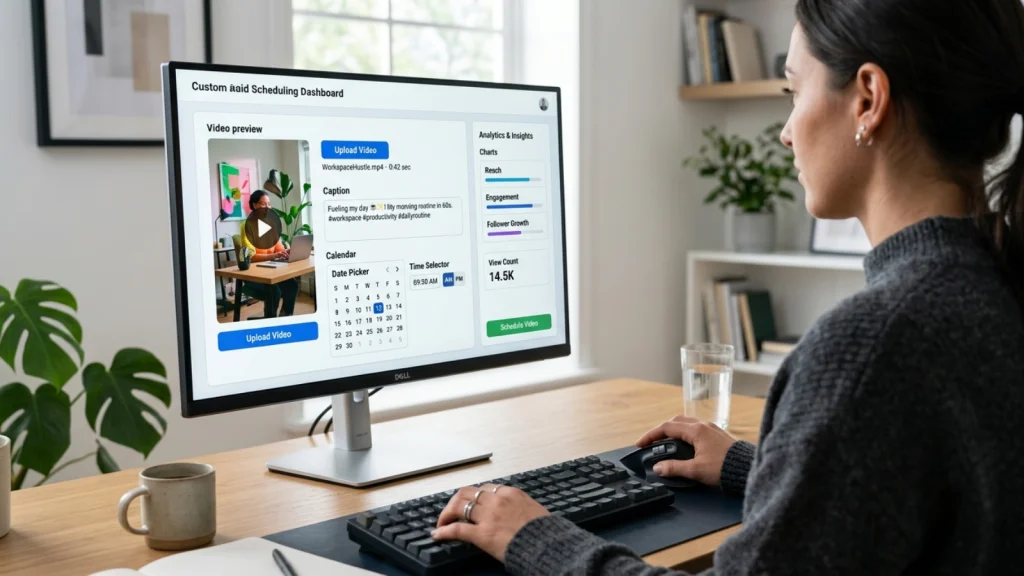
A TikTok scheduler is a tool that lets you upload your videos in advance and set an exact date and time for them to go live. Instead of posting in the moment, you batch your content and let the tool handle publishing.
Why does this matter? Because consistency is everything on TikTok. The algorithm rewards accounts that post regularly. Missing a day or two can quietly kill your momentum.
Here’s what a good TikTok post scheduler helps you do:
- Post at peak engagement hours, even if you’re asleep or busy
- Plan content weeks in advance without last-minute panic
- Cross-post to Instagram Reels and YouTube Shorts from one place
- Track performance and adjust your strategy with real data
Can You Schedule TikTok Posts Natively?
Yes, you can. But there are limits.
TikTok’s built-in scheduling tool is available on the web browser and desktop app. It’s simple to use:
- Go to TikTok on your desktop and click Upload
- Add your video, caption, and cover photo
- Scroll to Settings and toggle on Schedule
- Pick your date and time, then confirm
A few things to know before you rely on this:
- You can only schedule up to 30 days in advance
- You cannot edit a scheduled post without deleting and re-uploading it
- You cannot cross-post to other platforms
- Auto-published posts can only use original audio, not trending sounds
If you’re a solo creator posting casually, the native tool works fine. But if you’re running a brand or managing multiple channels, you’ll hit these walls fast.
The Best TikTok Scheduler Tools in 2026
Here’s a quick look at the top TikTok post scheduler options available right now.
Buffer
Buffer is one of the most popular choices. Its free plan lets you connect up to three social media channels, including TikTok. You can schedule months in advance, edit posts after scheduling, and cross-post to Instagram and YouTube in the same workflow.
Buffer also offers two publishing modes:
- Automatic: Your post goes live on its own, no action needed
- Notify Me: You get a push notification when it’s time to post, so you can add trending audio manually
SMMplanner
SMMplanner is built specifically for social media teams. It includes bulk scheduling, hashtag suggestions, multi-account management, and performance analytics. Good option for agencies managing several brand accounts at once.
TikTok Studio App
If you want to schedule from your phone without a third-party tool, the TikTok Studio app (separate from the main TikTok app) lets you set a scheduled post time during the upload flow. It has the same 30-day limit as the desktop scheduler, but it gets the job done on mobile.
When Should You Post? Timing Your TikTok Scheduler Right
Scheduling at the wrong time is like shipping a product no one ordered. Timing is half the battle.
According to Buffer’s analysis of over 7 million TikTok posts, the best overall time to post is Sunday at 9 a.m. Other strong time slots include Monday at 1 p.m. and Sunday at 1 p.m. In general, engagement picks up significantly between 6 p.m. and 11 p.m. across most days.
That said, every audience is different. Once you have a business or creator account, check your TikTok analytics regularly. Look at the “Follower Activity” tab to see when your specific audience is most active, then set your TikTok scheduler to match those windows.
A few timing rules that always apply:
- Post when your audience is awake and scrolling, not when it’s convenient for you
- Avoid scheduling everything at the exact same time each day; vary it slightly
- Use your first few weeks of data to narrow down your two or three best time slots
Why Scheduling Alone Won’t Grow Your TikTok
Here’s the part most scheduling guides skip.
You can use the best post scheduler TikTok has to offer and still see flat numbers. Because scheduling solves the consistency problem. It doesn’t solve the distribution problem.
Most brands post from a single account and hope the algorithm does the rest. Sometimes it does. Most times, it doesn’t. And when a post flops, there’s no way to know if it was the hook, the format, the timing, or just a bad day.
That’s where distribution infrastructure changes the game.
Growing Beyond the Algorithm: Why Distribution Beats Scheduling
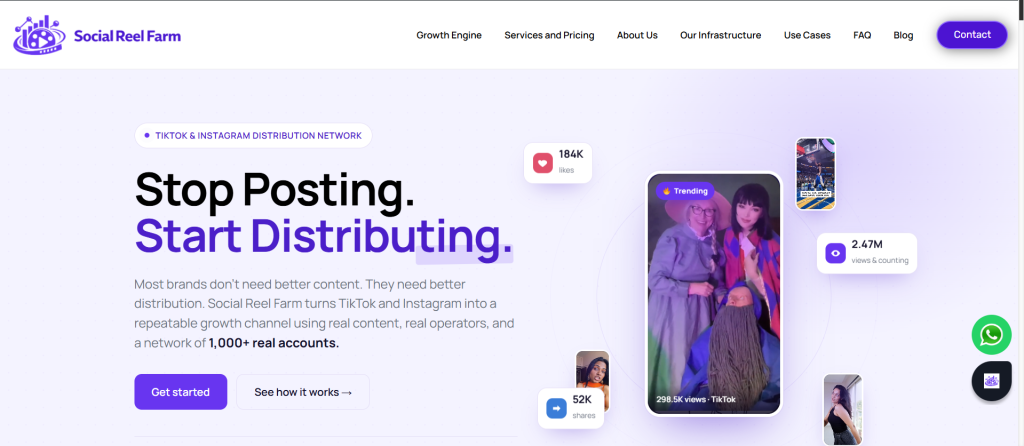
This is where Social Reel Farm comes in.
Social Reel Farm is a short-form content distribution network built for TikTok and Instagram. Instead of posting from one account and hoping something lands, they run your content across a network of 1,000+ real accounts, each on its own physical device, managed by real human operators.
Here’s how it works:
- Their in-house team creates the content: UGC reels, AI avatar videos, talking-head clips, product demos, and more
- That content is distributed across hundreds of genuine TikTok and Instagram profiles simultaneously
- Real engagement data (watch time, saves, shares, comments) tells them what’s working
- Winning formats get scaled immediately across the full network
The result? You stop guessing which hook works. You get real signal from real audiences at real volume.
Who is it for?
Social Reel Farm works best for e-commerce brands, SaaS platforms, mobile apps, agencies, and growth-stage businesses that want TikTok and Instagram to be a serious, repeatable growth channel.
If you’re already using a TikTok scheduler to stay consistent, Social Reel Farm is the next step: turning that consistency into compounding reach.
“My account was totally inactive. Within weeks it was posting daily and gaining real followers, and I didn’t lift a finger.” — Maya R., Creator
You bring the product. They build the engine.
[See how Social Reel Farm works →]
Common Mistakes When Using a TikTok Post Scheduler
Even with the right tool, these errors can quietly drain your results.
Scheduling without checking your analytics If you don’t know when your audience is online, you’re posting blind. Pull your TikTok analytics before setting your schedule.
Repurposing content from other platforms without adapting it TikTok has its own language. Landscape videos, static images, and overly polished content rarely perform. Native-feeling content always wins.
Going silent after your post goes live A TikTok scheduler handles publishing, not community management. Replying to comments in the first hour after a post goes live is one of the strongest signals you can send to the TikTok algorithm. Set a reminder.
Ignoring performance data Every scheduled post is a data point. If you’re not reviewing what worked and what didn’t, you’re wasting the feedback loop. Check your analytics weekly and adjust.
Assuming scheduling = growth Scheduling keeps you consistent. It doesn’t drive reach on its own. Combine it with strong hooks, native content formats, and, when you’re ready to scale, a distribution system like Social Reel Farm.
Quick Checklist Before Your Scheduled Post Goes Live
Before you let your TikTok scheduler do its thing, run through this:
- Video is vertical with a 9:16 aspect ratio
- File size is under 30GB
- Caption includes relevant hashtags (not too many, aim for 3 to 5 targeted ones)
- Cover image is set and looks clean in the feed
- If using a third-party scheduler, original audio is selected for auto-publish (add trending sounds manually if needed)
- Comment notifications are turned on so you can engage when the post goes live
Final Thoughts
Using a TikTok scheduler is one of the smartest moves you can make as a creator or brand. It removes the chaos from posting, keeps your content consistent, and frees up time for what actually matters: making better content.
But scheduling is a foundation, not a ceiling.
If you want real growth on TikTok and Instagram, you need content that reaches the right people, at scale, backed by data. That’s what Social Reel Farm is built for. They combine human-operated accounts, in-house content creation, and a test-then-scale method that turns short-form video into a real growth channel.
Start with a scheduler. Scale with a system.
[Run a pilot with Social Reel Farm today →]
FAQs
1. Can you schedule TikTok posts in advance?
Yes, TikTok allows users to schedule posts in advance through its desktop platform and TikTok Studio. You can upload your video, add a caption, and choose a specific date and time for automatic publishing.
2. What is the best TikTok scheduler for creators and brands?
Popular TikTok scheduler tools include Buffer, SMMplanner, and TikTok Studio. The best option depends on your needs, such as cross-posting, analytics, team collaboration, or multi-account management.
3. How far in advance can I schedule TikTok posts?
TikTok’s native scheduling feature lets you schedule posts up to 30 days in advance. Some third-party scheduling tools may offer additional planning and content management features.
4. Does scheduling TikTok posts affect engagement?
No, scheduling itself does not reduce engagement. In fact, using a TikTok post scheduler can improve consistency and help you publish during peak audience activity, which may boost performance.
5. Can I schedule TikTok posts with trending sounds?
Auto-published TikTok posts typically require original audio. If you want to use trending sounds, many schedulers offer a notification-based publishing option, allowing you to add the sound manually before posting.